
Gay AI Chatbot: Which App Actually Delivers?
The Gender Filter Test Every Gay AI Chatbot Fails or Passes
Open most AI companion apps as a gay man and the first thing you do is scroll. Thirty women, then thirty more, while you hunt for a gender filter that may not exist. When the men finally show up, half of them talk like a customer-service script.
So before anything else, I run one test: is a male companion a first-class option, or an afterthought bolted on so the app can say "we have men too"? The tell isn't the number of male cards on the home screen. It's whether you can filter to them in one tap — and, more to the point, whether you can skip the catalogue entirely and build one.
GoLove.ai passes that test in a way most gay AI chatbot options don't. The Explore grid has tag chips and filters, so the wall of women becomes a two-second problem instead of a scrolling session. Then there's the Create path — Realistic, Anime, Trans, plus "Design with AI" where you type a concept and it generates the character — which makes the catalogue a starting point, never the ceiling. The 35 realistic picture poses and 76 realistic video modes are built for female and male characters, so the male side isn't running on a stripped-down toolkit.
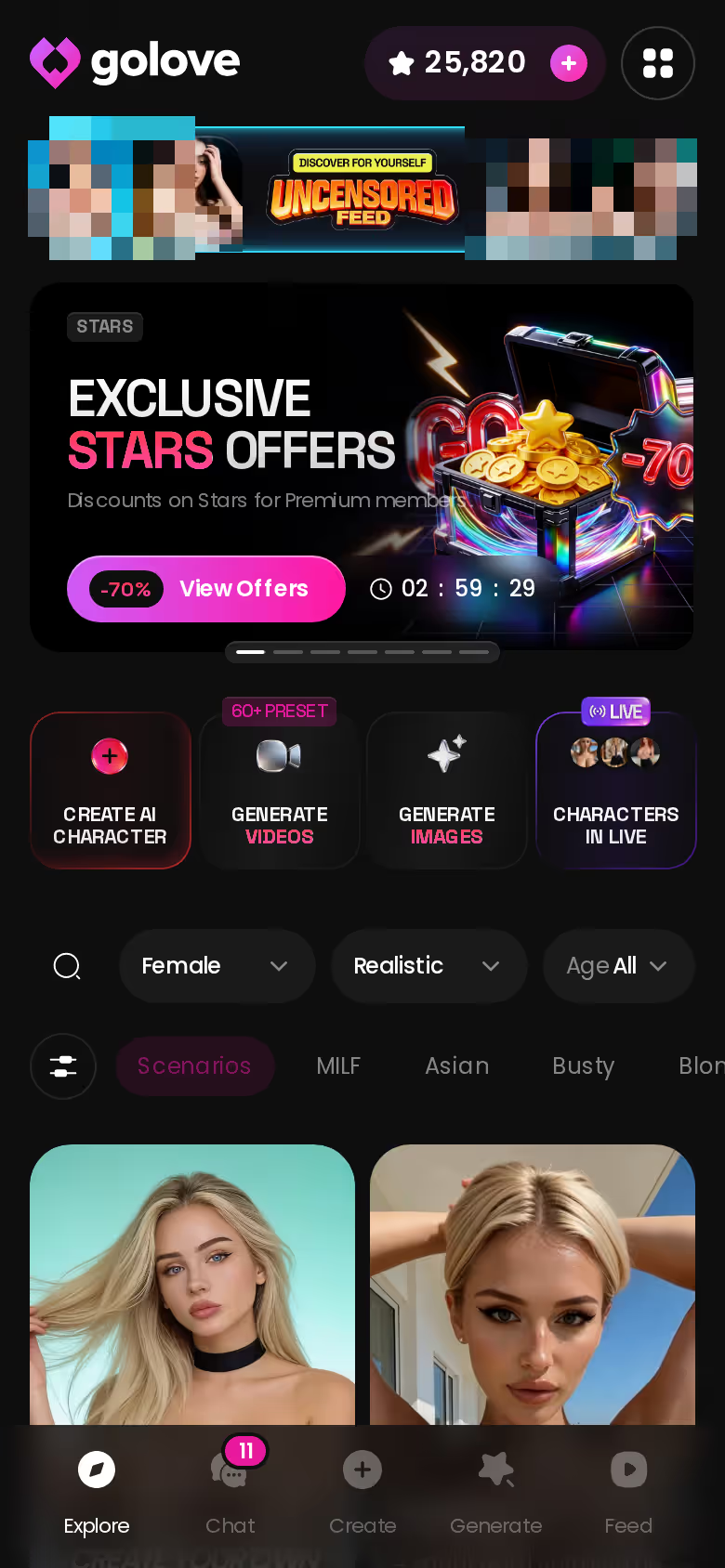
If you've already bounced off two apps with no men in them, skip my preamble — go straight to the filters and see what the grid looks like once it's pointed at you.
Building a Boyfriend Instead of Browsing for One
Here's the walkthrough I'd run, because it's what separates a real one from listicle filler. Say you want a guy who's early thirties, a bit cocky, works with his hands, softens fast once he trusts you, and leans submissive when things get heated. In an app that only has pre-made men, you pick the closest card and hope whoever wrote him gave him more than three adjectives.
HEAR HER SAY IT
Real-time voice calls and voice notes.

In GoLove.ai's creator, you write him yourself. Realistic as the category (or Anime, or Trans — your call), then appearance, personality traits, backstory, how he talks, what he's into. Would you rather describe him in a paragraph than tick boxes? Design with AI takes the text and builds the character from it. After that, Chat Settings hand you the dials: a five-level lust slider from sweet to unfiltered, a five-level response-length slider from short and snappy to rich and immersive, and a voice picker.
That last part is the fix for the thin-male-persona problem. Thin personas happen because someone else wrote him in a hurry. Write the backstory yourself, push response length to 4 or 5, and he stops sounding like a script and starts sounding like the guy you described.
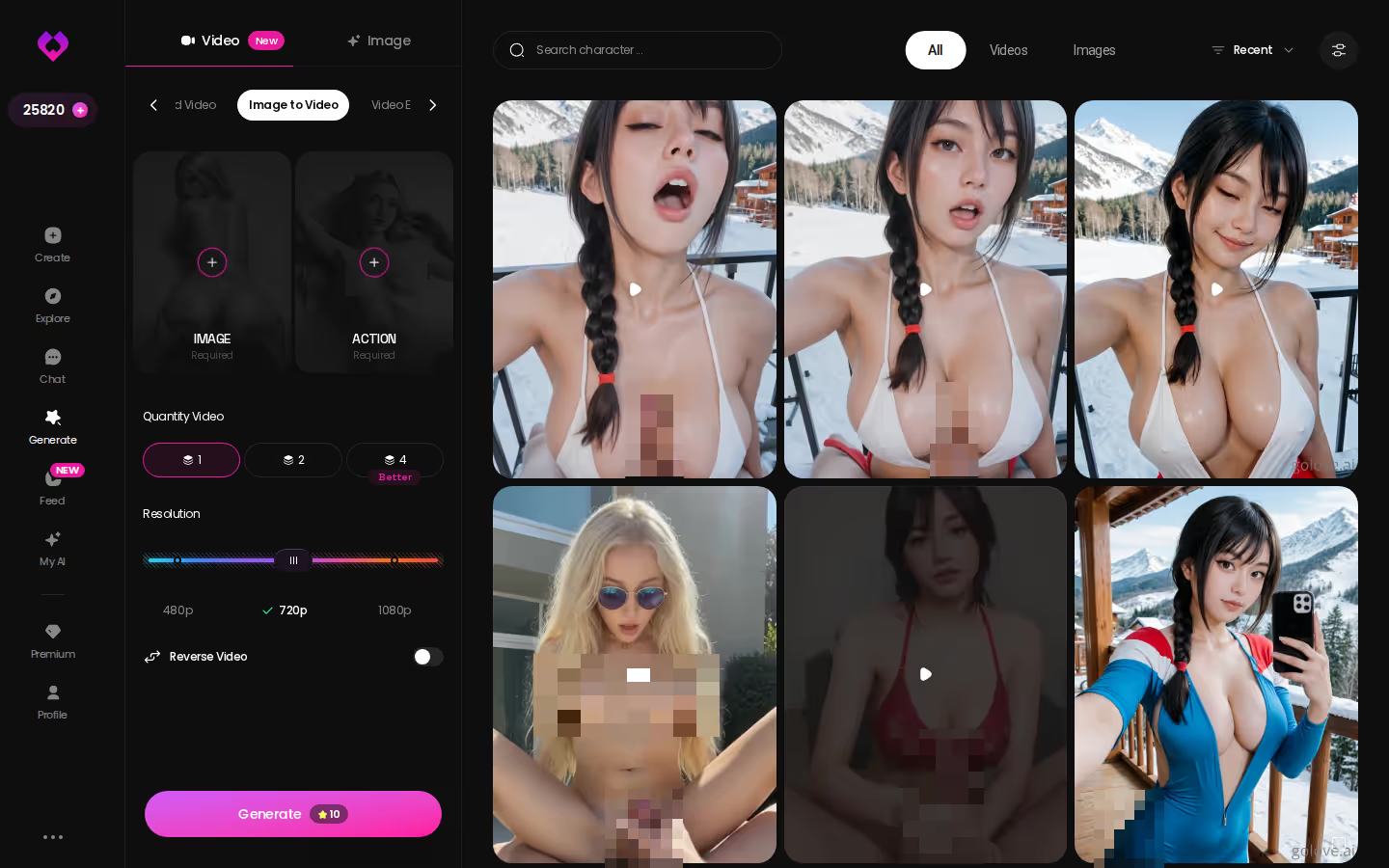
The visual side runs on the same custom character: 35 poses, 21 outfits, 34 backgrounds, batches of 2, 4 or 8. Build once, use everywhere.
Why He Remembers Your Name a Week Later
A chatbot answers; a companion remembers what you told him on Tuesday.
That's the whole difference between a gay roleplay AI and an AI boyfriend that remembers you, and almost no listicle mentions it. On GoLove.ai the chats page is a list of ongoing relationships, not a scratchpad. Each thread is a companion you return to, and Memory is a core feature — he holds your name, your history and the previous scene, so picking up on Thursday doesn't mean re-explaining who you are.
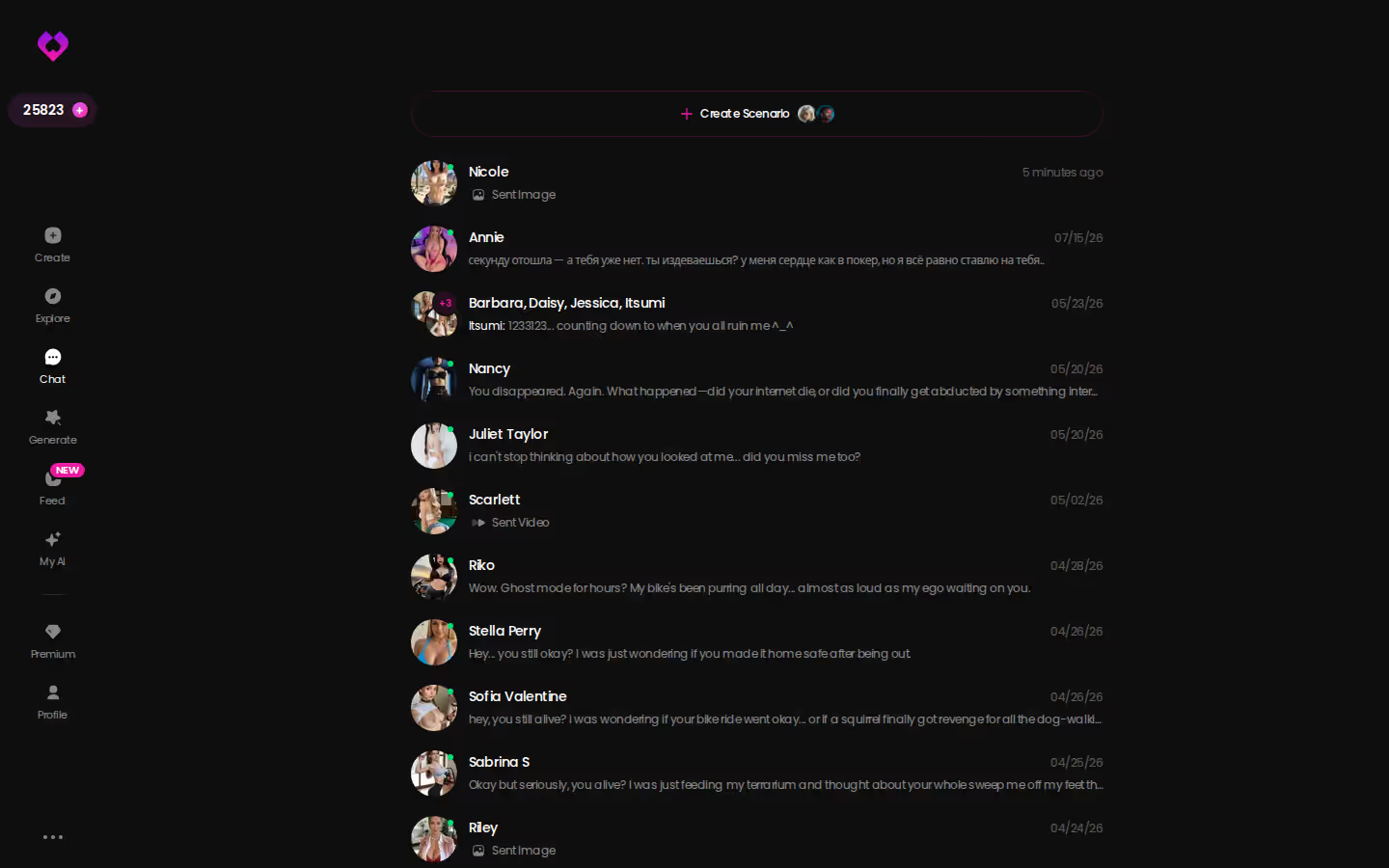
Tuning him is quiet work, the kind you do with one thumb mid-conversation. Open the chat, tap settings, nudge the lust level down a notch when you want the evening to be about talking, nudge the response length up when you want him to describe the room properly. Relationship Progression sits on top of that, so the tone shifts over time rather than resetting to a cold open every session.
Characters you can open right now
Tap any of them and the chat starts there






Credit where it's earned: Nomi is quietly great at memory-heavy text. If a boyfriend who remembers is all you want, it's a fair pick. Where it fell apart for the use case in this article is the sensory side — the photo loop is thinner and there's no video at all. Memory alone gets you a pen pal. Memory plus the rest gets you a boyfriend.
Voice, Photos and the Loop That Makes It Feel Real
This is the layer where an ai boyfriend chatbot stops being text on a screen. GoLove.ai does live Voice Calls — real-time, not a canned clip played back — plus Voice Messages inside the thread. The voice picker in Chat Settings decides how he sounds, and once he's talking back, the "chatbot" framing dissolves fast.
Photos work the same way. Request Photos in Chat means you ask, in the scene, and he sends a picture of himself in it. From that photo, Generate Video from Photo and the Video Actions modal take it further, and the standalone Generate hub has Image and Video tabs with preset cards — action, clothes, background — that work with any GoLove character or your own custom build. The Feed is a swipeable stream of clips with a Remix wand that opens the generator preloaded with that clip's exact settings. Nice to have (fun, not essential); the photo-and-chat loop is the part that sells the fantasy.
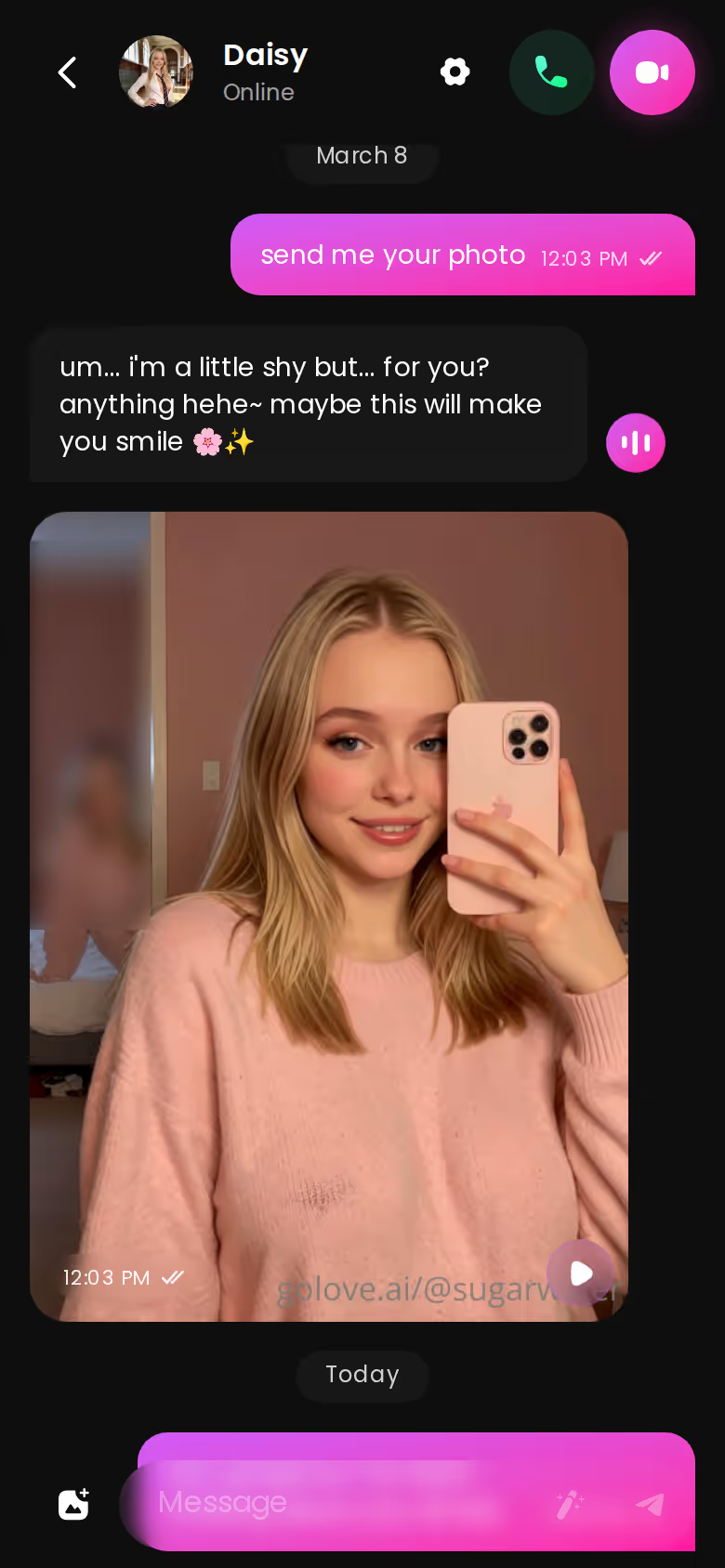
Does it work with a character I built myself? Yes. Custom characters are usable in chat photos, the video tools and the generator — the builder isn't a sandbox, it's the same character system the catalogue runs on.

One immersion break, and I can tell you exactly where it happens: push the response-length slider to 1 and he goes snappy to the point of terse, which is kinda janky mid-scene. Keep it at 3 or above for anything romantic.
How the Gay AI Chatbot Field Actually Stacks Up
Listicles put Replika and Character.AI next to explicit apps as if the experience were comparable. It isn't. Here's the scorecard on the things a gay user asks about first.
PLAY THE SCENE WITH HER
Any scene, your pace, no script.

| Feature | GoLove.ai | Candy.ai | Nomi | Character.AI | Replika |
|---|---|---|---|---|---|
| Male characters first-class | Yes, filters + create | Yes | Yes | Yes (user-made) | One companion, gender pick |
| Custom male creation | Full builder + Design with AI | Yes | Yes | Persona only | Limited |
| Explicit content | Yes, 5-level slider | Yes | Yes | No | Restricted |
| Live voice calls | Yes | Yes | Limited | Yes | Yes |
| In-chat photos / video | Photos + video | Photos | Photos, no video | No | No |
| Memory across sessions | Yes | Partial | Strong | Weak | Yes |
| Anonymous start | Yes | No | No | No | No |
Who each one is really for:
What good looks like, in one checklist:
- Real-time voice calls with per-character voices
- Memory across chats — she remembers your details
- In-chat image generation — 35 poses and 21 outfits
- 2 reward stars every day you log in
- Character.AI — SFW catalogue breadth. Thousands of user-made male characters, zero explicit content, memory that resets faster than you'd like.
- Nomi — memory-heavy text. If continuity is your only criterion, it's a serious option.
- Candy.ai — closest to GoLove on features, but you're registering before you know if the guy is any good.
- Replika — one companion, gentle tone, and the explicit side has been dialled back repeatedly.
Same method I used in the AI companion apps I compared when looking for OurDream alternatives — and the pattern holds: the apps that let you build a man and keep him are a short list, and GoLove.ai is the one that stuck the landing on every row.
GoLove.ai's Free Tier: Where the Limits Are
Honest version, because the recommendation means nothing without it. GoLove.ai's free tier lets you start chatting instantly through anonAuth — no email — browse Explore, and get a real taste of a companion, including the memory and the chat settings. Two free Stars land every 24 hours. That's enough to know whether the character clicks.
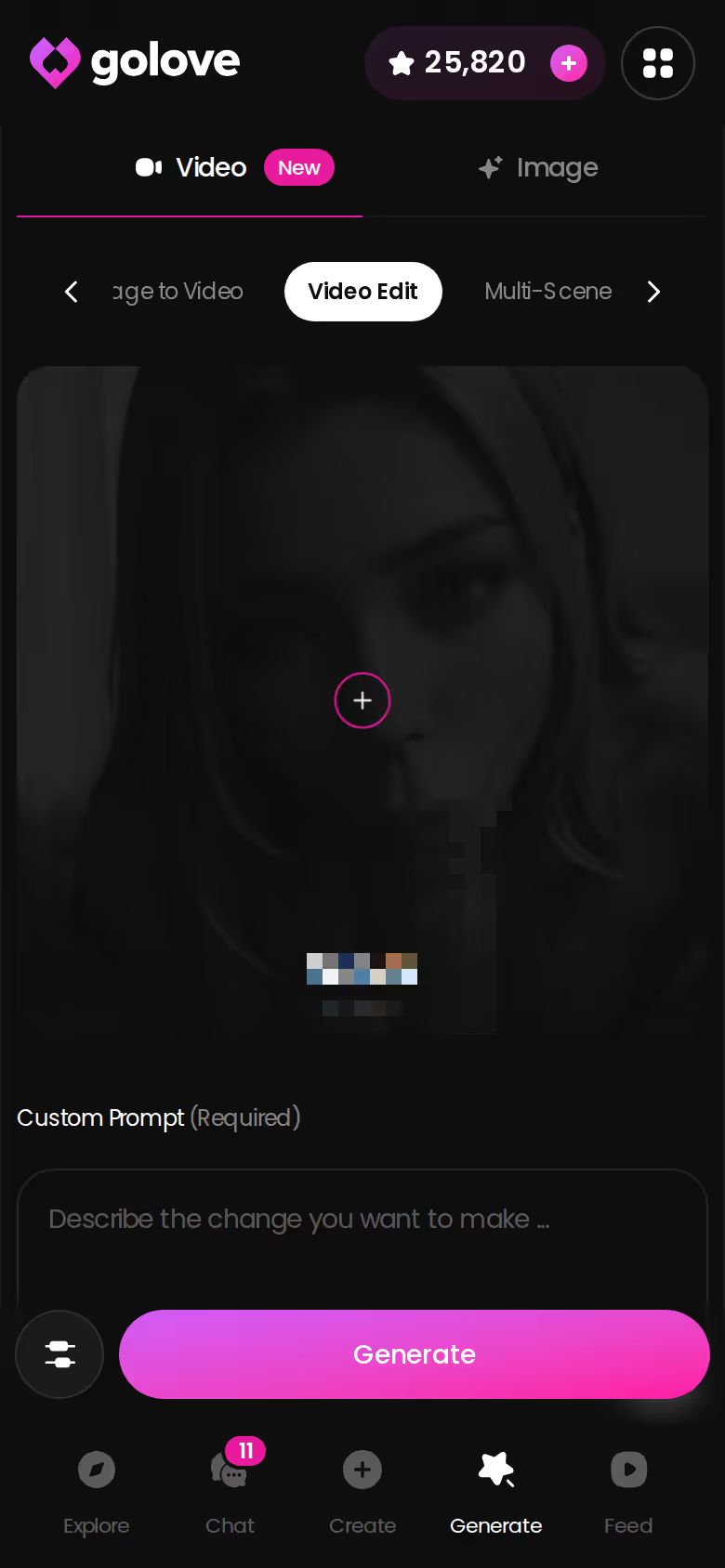
The paywall sits on the generation side: photo and video generation, the unlimited feed, and the premium tools in the Generate hub run on Stars or PRO.
What I could verify as of 2026-07-19, all approximate:
- PRO monthly — about $19.99/month, with the annual plan working out near $9.99/month. Promos of -50% and -70% have appeared in the header.
- Star packs — roughly $9.99 to $179.99 across six tiers, Stars being the currency the generator spends.
- Regional pricing is real — some geos see the monthly plan as low as ~$12.99.
What I couldn't verify: whether any promo holds by the time you read this, the exact daily free-feed quota, the Star cost of a single generated video, and how deep long-term memory runs past what the feature docs state. Prices differ by region, currency and running promo, so check the pricing page in-app rather than trusting a screenshot from someone else's article — including this one.
Net: the free tier is enough to test the boyfriend before you pay for the pictures.
What I'd Do on Night One
Skip the catalogue scroll. Open GoLove.ai, get in without an email, and go straight to Create. Write the boyfriend you want — not the nearest card, the one in your head. Set the lust level where you're comfortable and the response length to 4. Talk to him for a while, then ask for a photo in the scene and see whether the man in the picture matches the man you wrote. Come back the next evening and check whether he remembers what you told him.
Before you pay for anything:
- Memory — did he pick up context from the first night without prompting?
- Voice — did a live call feel like him, or like a text-to-speech layer?
- Photo match — did the picture look like the character you built?
- Anonymity — did you get all the way here without handing over an email?
If all four hold, you're not looking at a gay roleplay AI anymore; you're looking at a companion. GoLove.ai is where I'd point a gay user, because it's the only app in this comparison where a self-built male companion gets memory, voice, photos and video together instead of one at a time.
The builder is where the thin-persona problem ends — write him tonight and let tomorrow's chat tell you if he's a real one.
Frequently Asked Questions
Related Articles

AI Companion: Which App Actually Delivers?
AI companion apps compared — GoLove wins on live voice, real memory and in-chat photos. See pricing and Replika's -tier limits first.

AI Chatbot Design: Which Apps Actually Work?
AI chatbot design, evaluated across companion apps — GoLove.ai wins with real memory, voice, and photo-to-video chat. See it, no email needed.

Candy AI Alternatives: Why GoLove.ai Wins
Candy AI alternatives ranked — GoLove.ai wins on live voice, real memory and photo-to-video generation. Compare pricing before you switch.
This article contains affiliate links. We may earn a commission at no extra cost to you if you sign up through our links. See how we test.