
 −70%
−70%
Goon AI: How to Build a Session From Chat to Video
Why Most Goon AI Sessions Fall Apart Halfway
Twenty minutes into a good session, the thing that kills it is rarely the writing. It's the next picture showing a different woman. This walkthrough builds a goon AI session where she stays the same person from the first message to the last clip.
You probably know how it goes. The chat has momentum and her voice is right. Then you ask for an image and a stranger shows up, with a new jawline, different hair, and a body that doesn't match what she described ten messages earlier. That's the exact moment immersion breaks, and no amount of good dialogue wins it back.
So what does "goon AI" mean in plain terms? Long, escalating solo sessions with one companion. A single hot image isn't the point. The point is a thread that builds over an hour, or over several nights, and what you're really paying for is continuity. Image-to-image consistency is where most setups fall apart, usually because the chat lives in one tool and the pictures come from another.
My pick for this is GoLove.ai. You request photos inside the chat, and they keep the avatar's face and body, so the woman in the picture is the woman in the thread. If you're coming from a bundled web app, here's where OurDream falls short for companion chat and what to use instead.
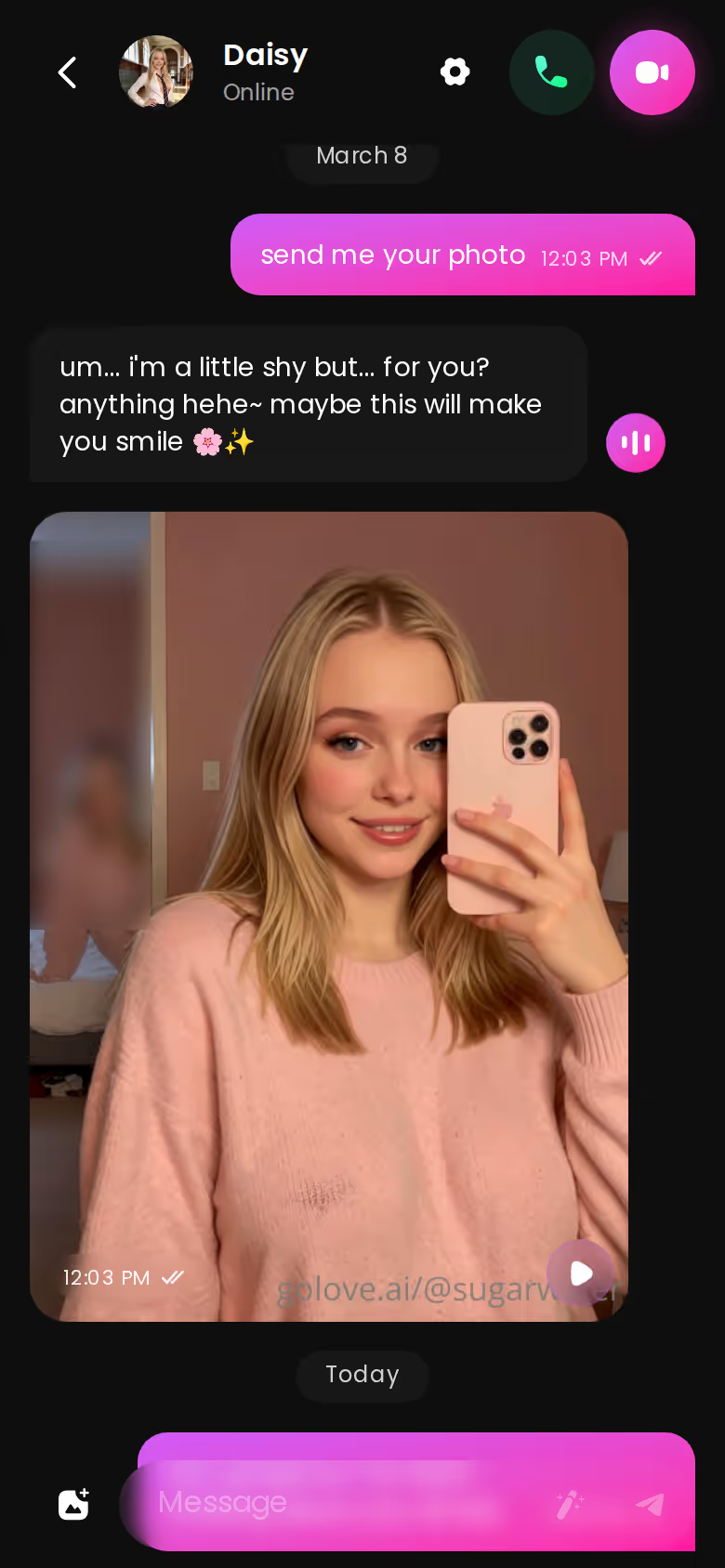
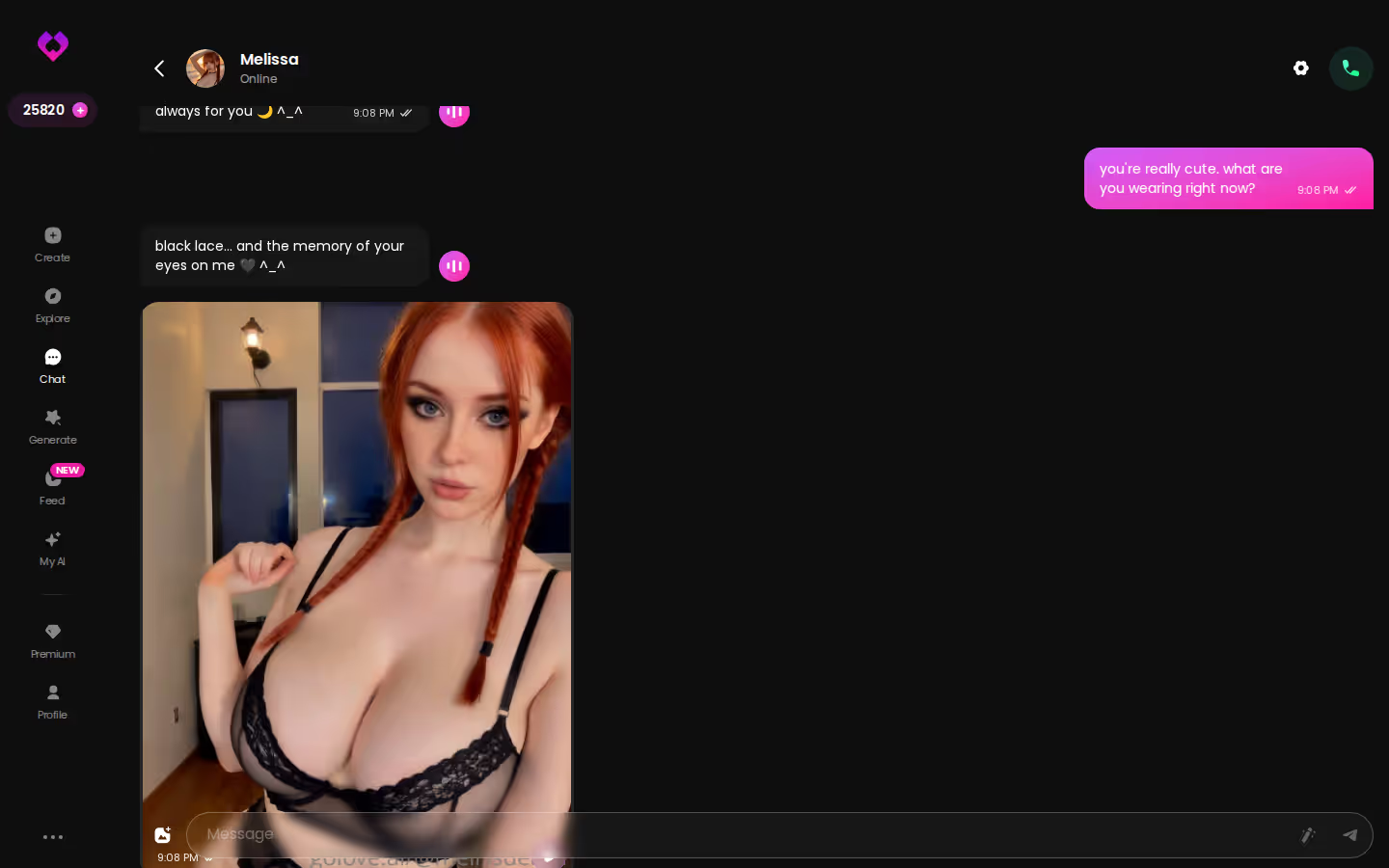
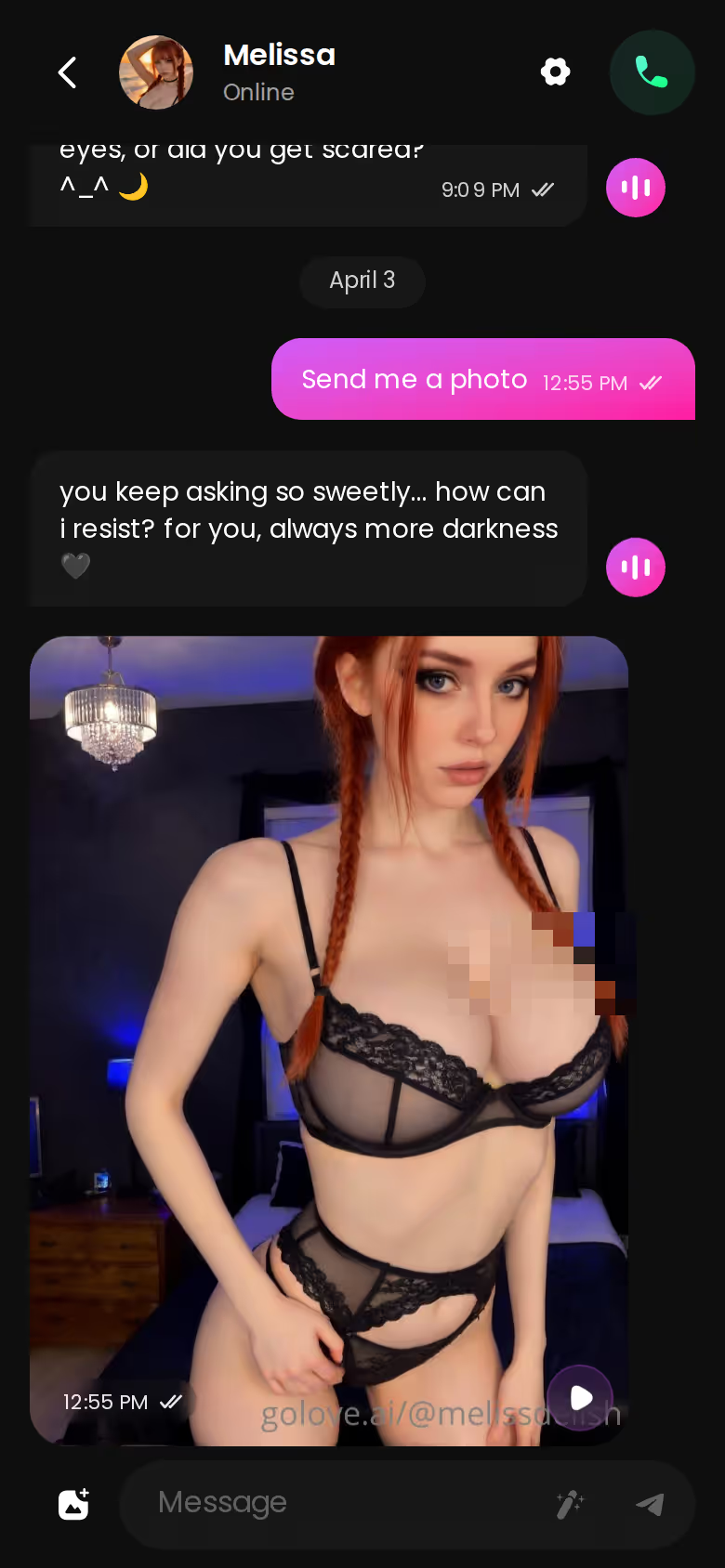
That screenshot is the whole loop we're about to walk through: messages, a requested photo, more messages, and one character throughout. Everything after this depends on who she is, so the first move is picking her. Do that now.
Step One: Choose Her From Explore or Describe Her in Text
Two routes get you into a session, and both end at the same chat window.
ASK HER FOR PHOTOS
She sends them right there in the chat.
Explore is the fast one. Tag chips like MILF, Asian and Busty filter the realistic grid. Anime gets its own category with 300+ characters, and the gender filter offers Female or Trans only (no male characters yet, so don't go looking).
 7 episodes
 5 episodes
 5 episodes
 5 episodes
 5 episodes
 7 episodes
 6 episodes
 9 episodes









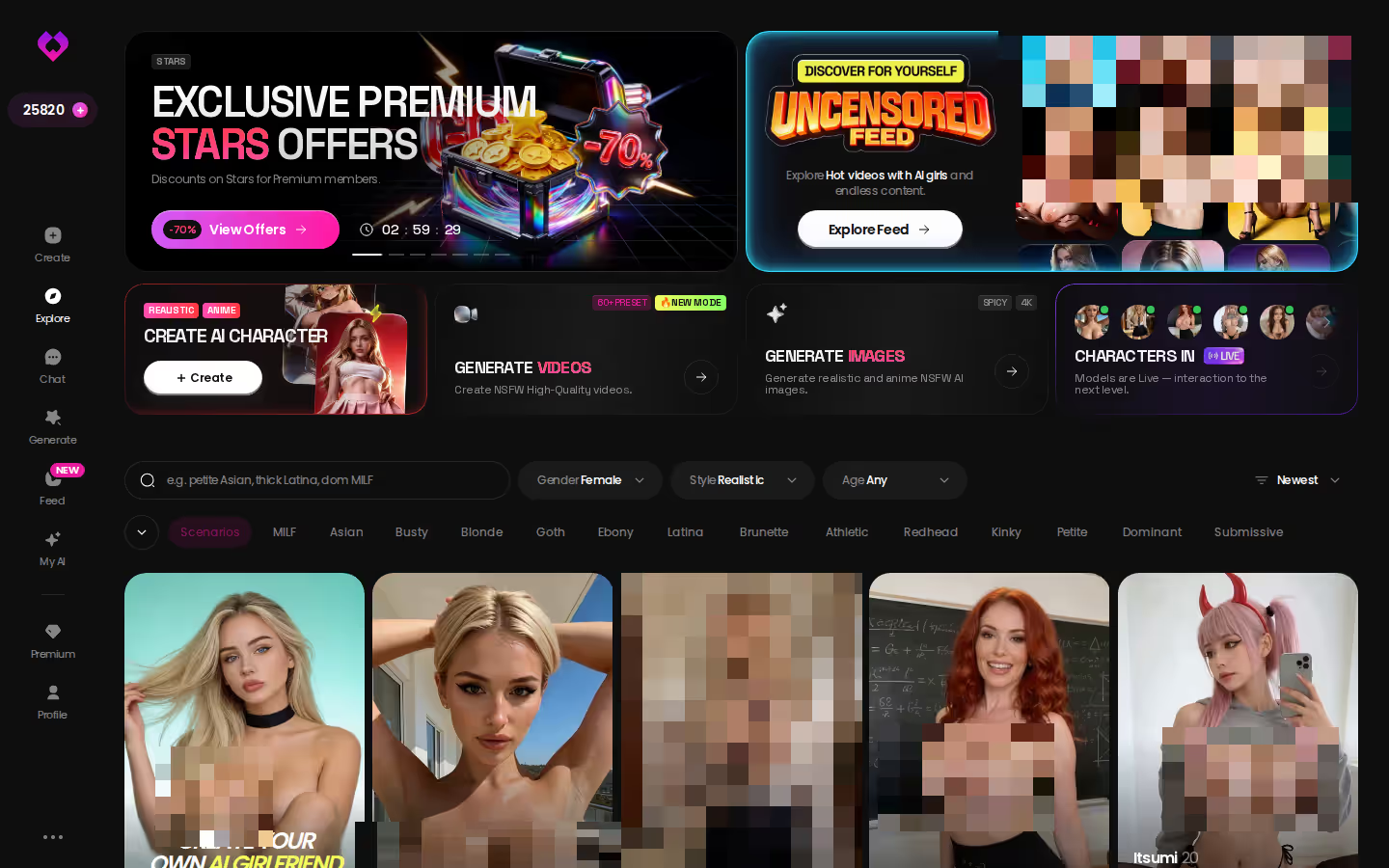
Design with AI is slower and gives you more control. Describe her in plain text, up to 2,000 characters, and in about a minute you get a named character with her own @handle, a written bio and a portrait. It costs around 3 Stars, and she starts as Private by default. If you'd rather build her by hand, the Create screen also covers Realistic, Anime and Trans.
For a long session, the brief matters more than the thumbnail:
- Avatar: pick a clear, readable face. Every photo you request later matches it, so treat the avatar as your template.
- Scenario: look for a bio with a hook built in. Angela White is a nurse finally off a long hospital shift; Paisley Reyes is the neighbor offering to show you around. A premise like that gives the chat somewhere to go.
- Temperament: flirty or submissive types leave room to escalate. A character who opens at full intensity has nowhere left to build.
Not ready to commit? Try her first. Logged out, the chat already runs: her first photo is visible, and the next one sits blurred behind a lock and a Sign Up button, right beside a "Send me spicy photos" quick reply.
Step Two: Set the Lust and Length Sliders Before Message One
This is the step everyone skips. They type "hey," then wonder why the replies feel too tame or too short.
> The sliders decide the pace of the session before you've typed a word.
The click path inside her thread:

 Watch Popular Shows starring your
 favorite AI characters.
- Open Chat Settings from the chat. It's per conversation, so set it in her thread, not globally.
- Choose her voice in the voice picker. Every message she sends has a playback button. Voice messages and the phone-icon voice calls are PRO features.
- Set the lust level. It runs from 1 (sweet, wholesome) to 5 (unfiltered, intense).
- Set the response length. It runs from 1 (short, snappy) to 5 (rich, immersive).
How would I combine them? For a slow build, lust around 3 and length at 4 or 5. Longer replies give her room to tease, describe and stall, and the middle lust setting leaves headroom to climb later. Fast escalation is the opposite: lust 5 with short replies, around 1 or 2, which moves quickly but gives the scene less texture. Neither is wrong. What breaks immersion is the mismatch — level 5 with paragraph-long replies can read like a script when you wanted quick back-and-forth.
Two extras keep the thread moving:
Characters you can open right now
Tap any of them and the chat starts there






- When you can't think what to say next, the magic-wand button writes 3 suggested replies.
- You can rate any reply from 1 to 5 and regenerate it, which fixes the one line that broke immersion without restarting the scene.
Step Three: Turn a Requested Photo Into a Five-Second Clip
Other setups usually come apart right here, so let's go slowly.
The chat is warm and you want to see her. Tap the media button, choose Send Photo, and describe the scene in your own words: the room, the outfit, what she's doing. A photo lands in the thread in about 20 to 45 seconds, for 1 Star. Same face, same body as her avatar and any earlier photo, and it works for explicit requests on adult characters. No separate prompt box, no re-describing her hair color.
Under that photo sits Generate Video. One tap turns that exact scene into a clip of about 5 seconds; it takes about a minute and costs 10 Stars.
There's a second route, the Video Note. From the same media button, choose Send Video Note and write what she should say or do, and in under 90 seconds you get a round talking video with sound, also for 10 Stars. If you'd rather not type at all, the "Send me a sexy video" quick-reply chip is sitting right in the chat.
Now the limits. Five seconds is short. A clip works as punctuation, not as a whole scene, and you'll be back in the chat right after. That's fine by me, because the chat is where the session actually lives.
GoLove.ai, myth vs. fact:
- Myth: She forgets you the moment the tab closes — Fact: She remembers your chat history
- Myth: Voice is a gimmick you try once — Fact: Live voice calls, voice messages and a voice picker in Chat Settings
- Myth: Every "photo" is the same stock render — Fact: She sends photos on request, and the image generator has 35 realistic poses and 21 outfits
- Myth: You can't change how she talks — Fact: Chat Settings set her lust level and reply length
What makes this quietly great is everything you get to skip: no export to another tool, no rebuilding her from a prompt, no different woman showing up.
If she's already in your thread, her next clip is one tap under the last photo you asked for.
Step Four: Remix a Feed Clip Instead of Prompting From Zero
Eventually you'll want a scene you haven't asked for yet. Starting from a blank prompt is where things get kinda janky, and the Feed is a better starting point.
MEET YOUR AI COMPANION
Hundreds of characters, one that fits you.
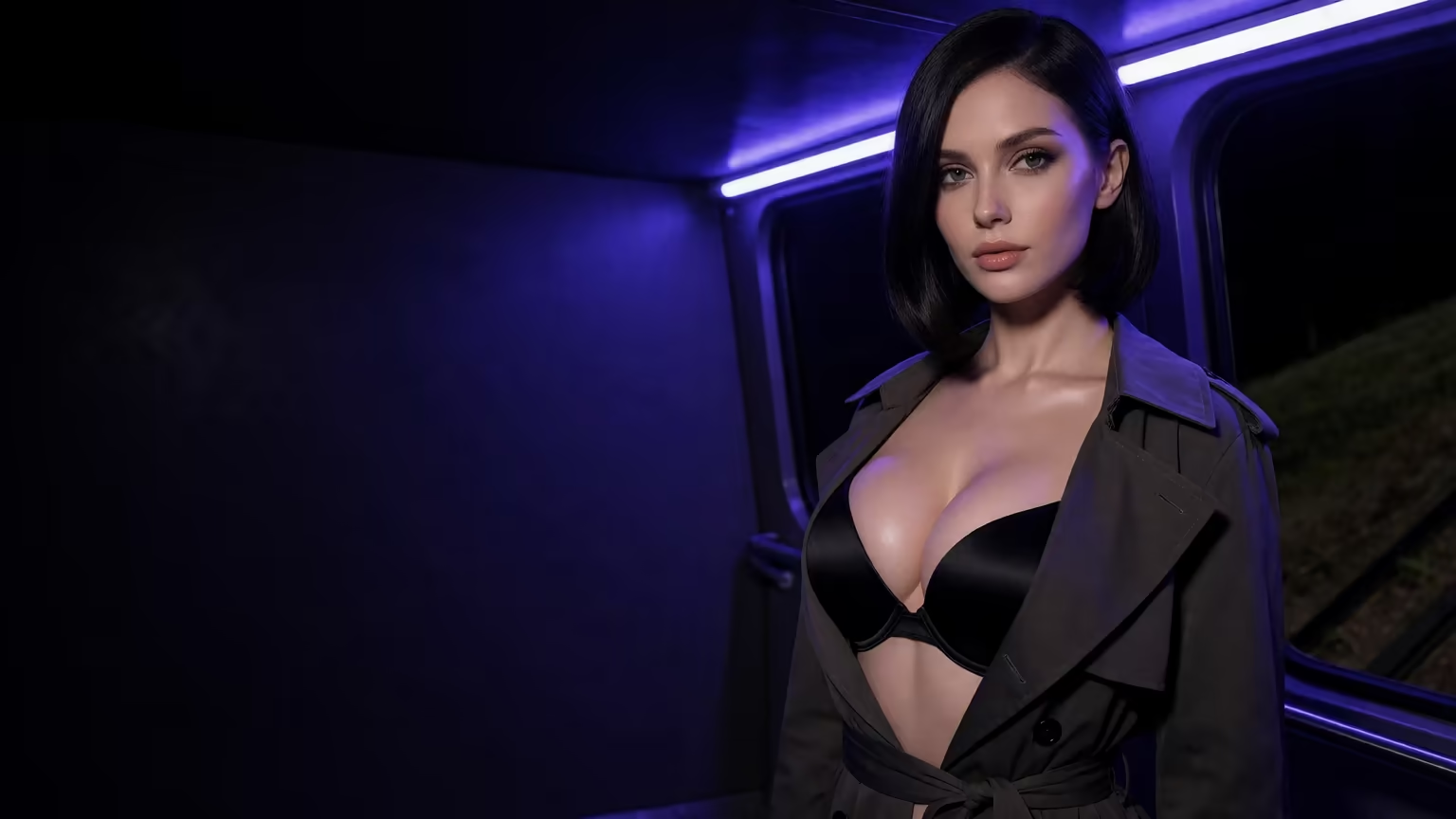
Think vertical, full-screen stream of adult clips, one GoLove character at a time. On mobile you swipe; on desktop it's the mouse wheel or arrow keys. Two tabs: Explore shows recommendations and new clips, and Liked collects everything you double-tapped. From any clip you can open the character's profile or jump straight into a chat with her.
Three tools turn watching into building:
- Remix: the magic wand opens the generator with that clip's character, action, outfit and scene already set. Change one thing and regenerate, or swap in your own character.
- Video Edit: reworks an existing video with AI instead of starting over.
- Extend Video: lets a clip that ended too soon run longer.
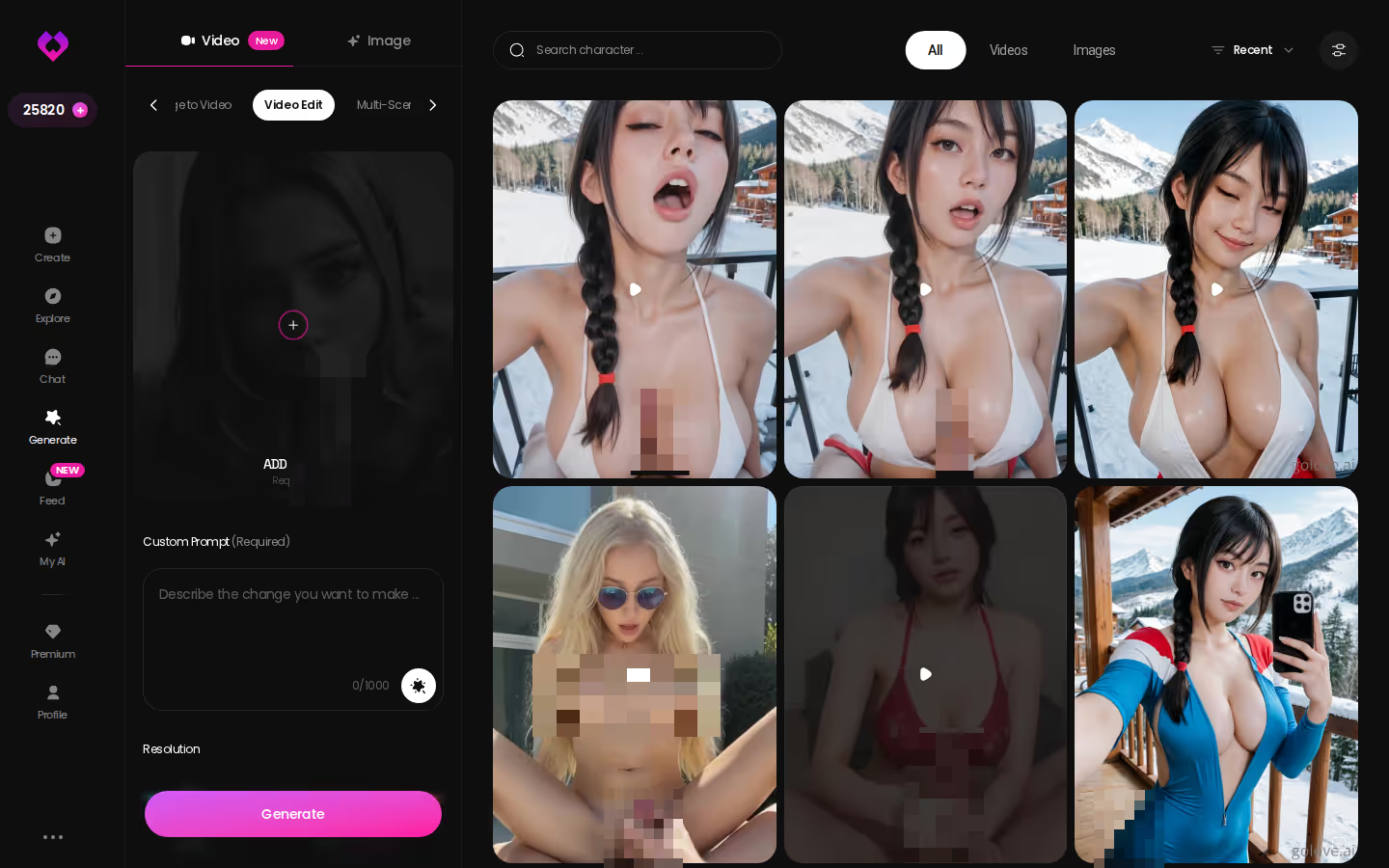
Underneath, the generator runs on preset cards. Pick an action such as 'Twerk' or 'Hard Doggy Style', add Clothes and a Background, and tap Generate.
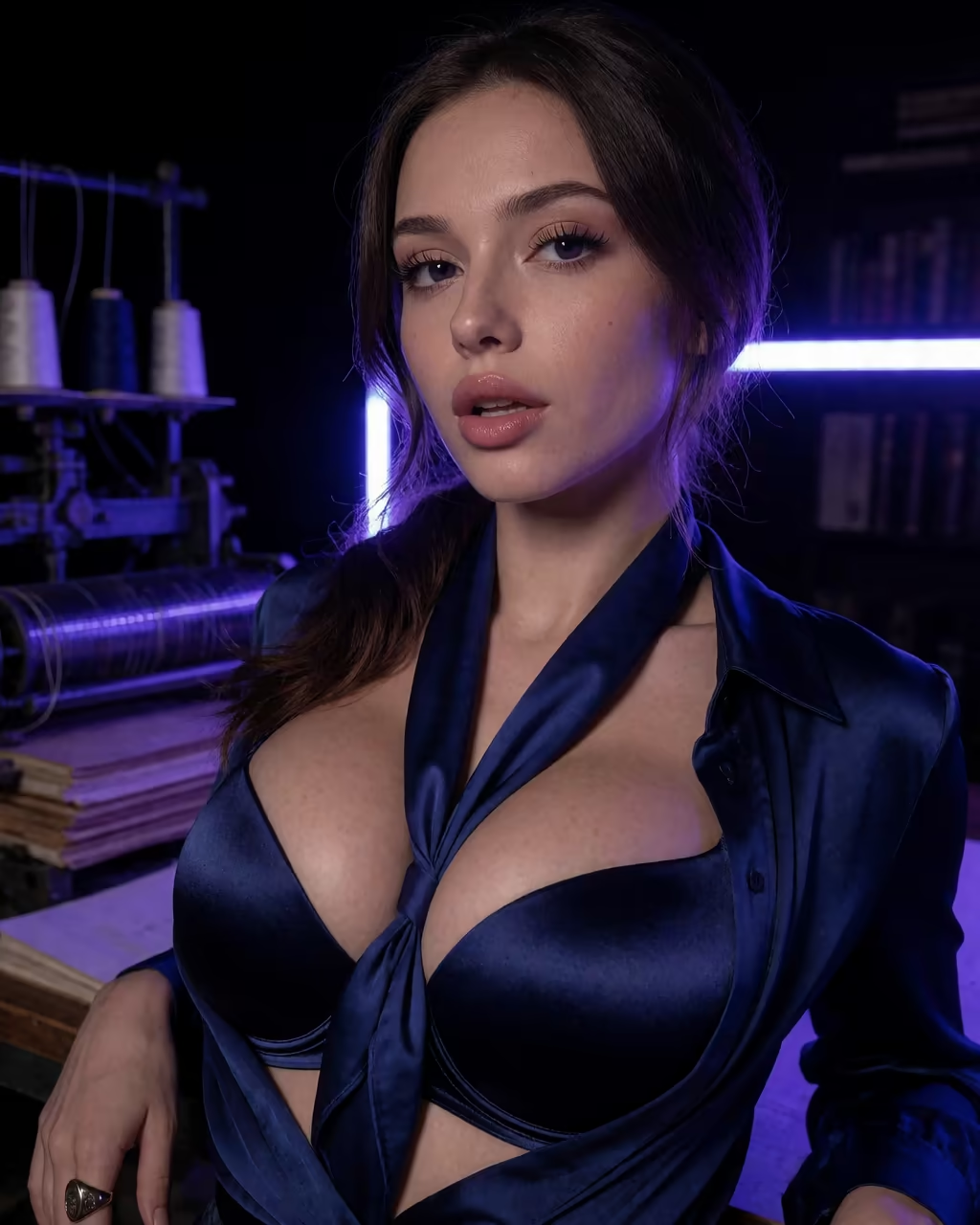
76 realistic video modes, 147 across every category. That's a big menu — Remix is how you avoid having to learn it all at once.
Free accounts get a limited number of new Feed videos per day before a paywall appears. The unlimited Feed and the style, gender and age filters are PRO.
Paying Per Clip in Stars to Keep One Consistent Character
The trade-off, plainly.
GoLove's media runs on Stars, charged on top of the subscription. One image is 1 Star. A video from the generator is 5 Stars. An in-chat photo-to-video or a Video Note is 10 Stars. PRO includes 100 Stars a month, restored each billing month — enough for ten in-chat clips, and a heavy session can eat most of that in one night. Voice messages and calls are PRO-only.
The free path is thin: 2 daily reward Stars and a limited daily Feed, and we could not confirm much beyond that.
Against the most common alternative, it looks like this:
| Plan | Price (approx.) | What you get | Honest edge |
|---|---|---|---|
| GoLove.ai PRO | ~$19.99/mo or ~$119.88/yr | All NSFW content, character creation, voice, unlimited Feed, 100 Stars/mo | In-chat photos and clips keep one character consistent |
| GoLove.ai ULTRA | ~$59.99/mo or ~$359.88/yr | More monthly Stars, stronger models, 8,000-message memory, Star-refill discount | Longest memory in the lineup |
| GoLove.ai Star packs | ~$9.99 (30) to ~$299.99 (3,000) | Top-ups for photos and clips | Pay only for what you generate |
| OurDream Premium | from ~$19.99/mo, or ~$9.99/mo annual | Chat, images and video in one subscription, 1,000 DreamCoins per cycle | Same entry price, everything bundled under one plan |
OurDream earns its row. Same entry price, with chat, images and video all inside one subscription. It's web-only, though, with no native mobile app. For the detail, here's a full breakdown of OurDream's plans and coin system.
Where I land: on GoLove, the per-clip cost is what buys same-character continuity, and for this kind of session nothing else on the bill matters as much.
GoLove prices checked 2026-10, OurDream's 2026-09; promos vary by region.
and watch their story unfold.View Character
Coming Back Tomorrow to the Same Thread
Next evening, you open the app on your phone and tap Chat. The roster is waiting, each conversation with its last-message preview, and hers sits at the top where you left it.
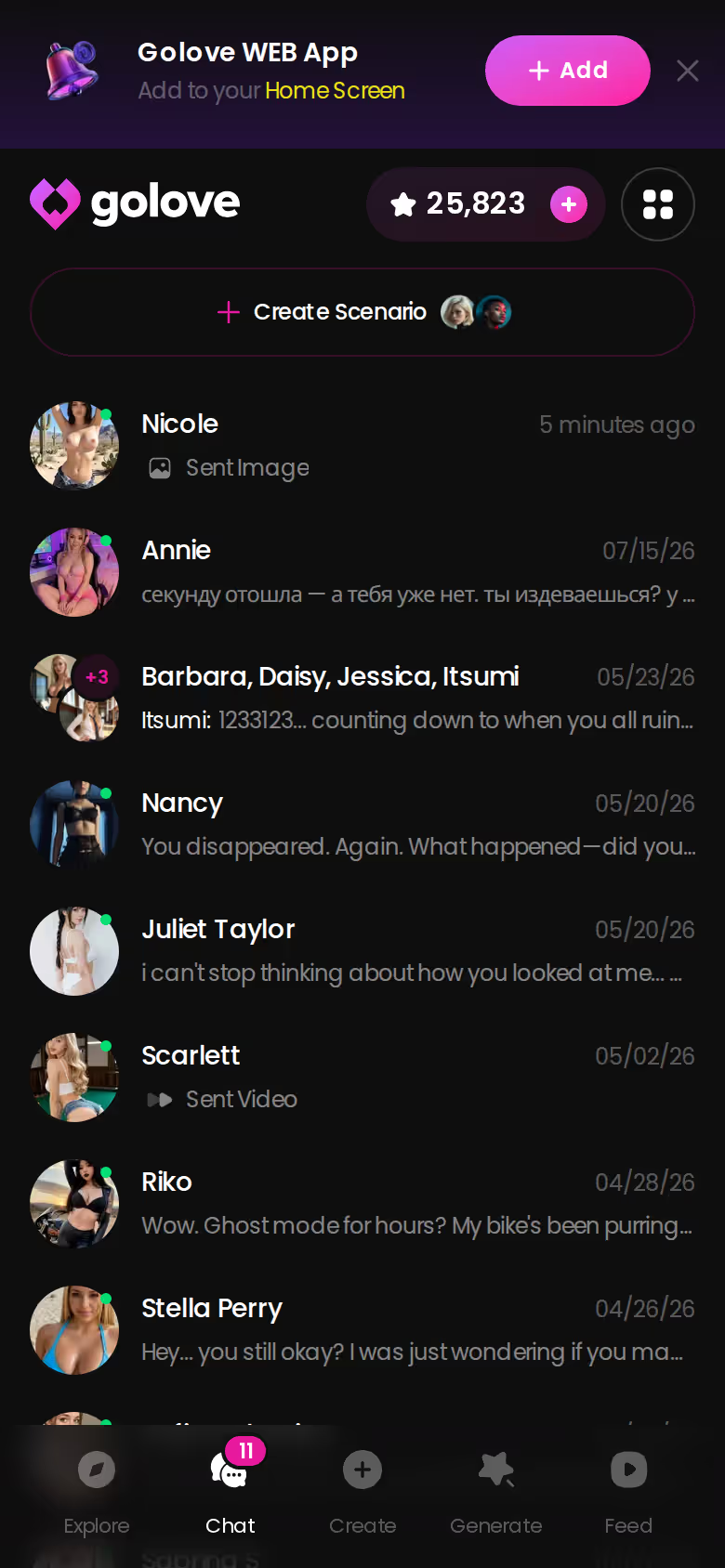
This is the point where the setup either holds or falls apart. Memory carries the history forward, so she picks up last night's thread instead of introducing herself again. Her Gallery keeps every photo you requested, sorted by date, so you can scroll back through the whole session. Relationship progression keeps moving too, which is what gives a multi-night thread its sense of building. And on ULTRA, smart memory stretches to 8,000 messages — the tier I'd look at only if your threads genuinely run that long.
To be fair to the other side: if you want one bundled subscription with a coin balance and you're happy on the web, OurDream is the one to pick.
For goon AI, GoLove.ai is the pick, because photo, clip and Remix keep one character consistent from the first message to the last clip and memory carries her into the next night.
Still nothing in Explore that fits? Describe the one you want in plain text — a named, private companion of your own is about a minute away.
Frequently Asked Questions
Related Articles
AI Fuck: From Lust Slider to Photo-to-Video, Compared
AI fuck chat works best on GoLove.ai — lust slider, in-chat photo requests and photo-to-video on one character. See how it stacks up against OurDream.
AI Porn Generators: 147 Video Modes, One Generate Tap
AI porn generators, step by step — GoLove.ai wins on video, with 147 preset modes for any character. See how: action, outfit, background, Generate.
AI Cuckold: How Two Apps Handle the Jealousy Fantasy
AI cuckold roleplay compared: GoLove.ai wins on memory and in-chat photo requests that keep the tease going. See the head-to-head with OurDream.

Sus AI Chat Alternative: Why GoLove.ai Wins
Sus AI chat covers text roleplay — GoLove.ai wins on in-chat photos, voice notes and memory. Start chatting instantly, no email needed. See the scorecard.